
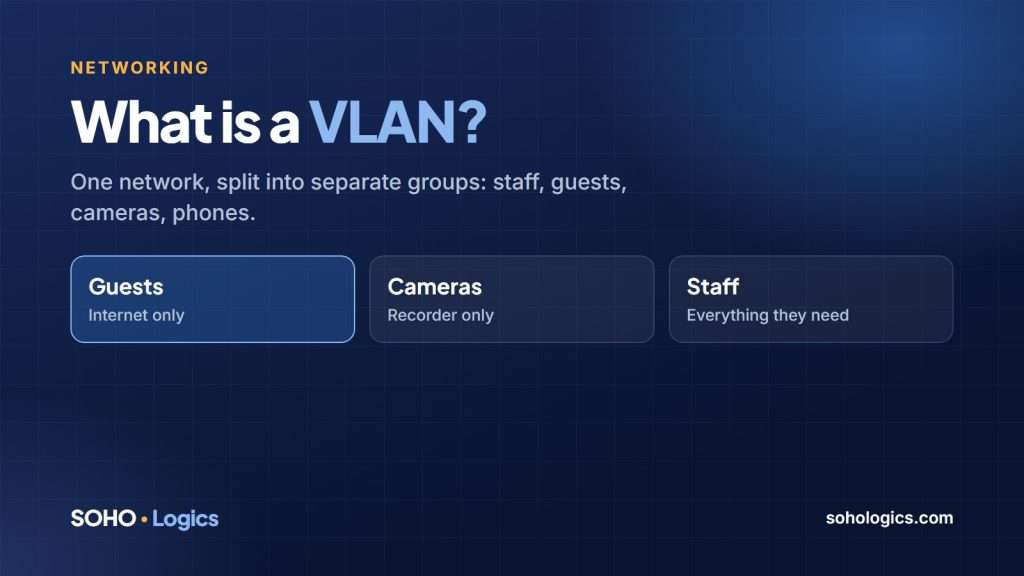
A VLAN (virtual local area network) lets one physical network behave like several separate ones. Your staff computers, guest Wi-Fi, security cameras and phones can all share the same switches and firewall, but each group gets its own space with its own rules about who can talk to whom. For a small business, the most common reasons to use one are guest Wi-Fi, cameras and phones, and keeping a mistake or a break-in from spreading across the whole office.
How a VLAN works, in plain English
Think of an office building with one front door and one set of hallways. A flat network is like leaving every office door open: anyone inside can walk into any room. A VLAN network is like giving each department its own locked suite and putting a receptionist at the junction, who only lets through the visits you have approved.
Technically, each VLAN has a number (a VLAN ID), an address range and a set of rules. The firewall or a managed switch enforces the rules between them. Devices cannot see each other across VLANs unless you allow it.
Why small businesses use them
- Security. A visitor’s laptop on the guest network cannot see your file server. A compromised camera or smart TV cannot reach your accounting computer.
- Performance. Chatty devices stay out of the way of the traffic that matters, such as phone calls and video meetings.
- Control. Rules are easy to state: guests get the internet only, cameras reach the recorder only, staff reach everything they need.
- Troubleshooting. Each group has its own address range, so you can tell at a glance what a device is and where it belongs.
Does your business need one?
You do not need VLANs for a three-person office with a laptop and a printer. Consider them when:
- You offer guest Wi-Fi. This is the most common reason and it is inexpensive to do right.
- You have cameras, door controllers, point-of-sale systems or desk phones on the network.
- You have more than a handful of devices, or more than one floor or suite.
- You handle sensitive customer or financial information.
- Your network grew by accident and nobody can say what is connected to what.
A starter layout for a small office
| VLAN | What goes on it | Rule |
|---|---|---|
| Staff | Computers, laptops, printers | Reach the internet and the servers they need |
| Guests | Visitors’ phones and laptops | Internet only; cannot reach anything else |
| Phones | Desk phones and voice systems | Voice traffic kept clear of everything else |
| Cameras and devices | Cameras, door controllers, smart devices | Reach the recorder only; no internet unless needed |
| Servers | File servers, network storage | Reachable only from where they need to be |
What it takes to set up
VLANs need equipment that supports them: a business-grade firewall, a managed switch and access points that can carry more than one Wi-Fi network. Most consumer routers cannot do it properly. The work is mostly planning: deciding which devices belong in which group, giving each group an address range and writing the rules between them.
Sketch your own plan first
Our free IP Subnet Calculator includes a VLAN planner. Enter your network, add the groups you need and it divides the address space for you. You can print or export the plan. Whether you hand it to your IT provider or build it yourself, you will have something concrete to work from. Our article on planning a small office network covers the equipment side.
Common mistakes
- Creating VLANs but leaving every rule open, which defeats the purpose.
- Forgetting to document it, so the next change breaks something.
- Putting a printer on one VLAN and the people who print on another, with no rule to connect them.
- Putting everything on the default network “for now” and never moving it.
Frequently asked questions
What is a VLAN in simple terms?
It is a way to split one physical network into separate virtual networks, so groups of devices are kept apart unless you allow them to talk.
Do VLANs make my network faster?
They can help by keeping noisy traffic away from important traffic, but their main benefit is security and control, not raw speed.
Is guest Wi-Fi on a separate VLAN really necessary?
Yes, if visitors connect to your Wi-Fi. A guest network that shares your business network can expose your computers and files to anyone who has the password.
Can my existing router do VLANs?
Most home and basic small-business routers cannot do it properly. You usually need a business-grade firewall and managed switch.
How much does VLAN setup cost?
It depends on the equipment you already have and how many groups you need. The planning is the larger part of the work.
We design, build and document VLANs as part of our network setup and Wi-Fi service.
Not sure whether your network needs VLANs? Book a free discovery call. I will tell you plainly whether separating your network would help your business, or whether a simpler setup is enough.
Book a free assessment or call (469) 212-0545.

Leave a Reply