
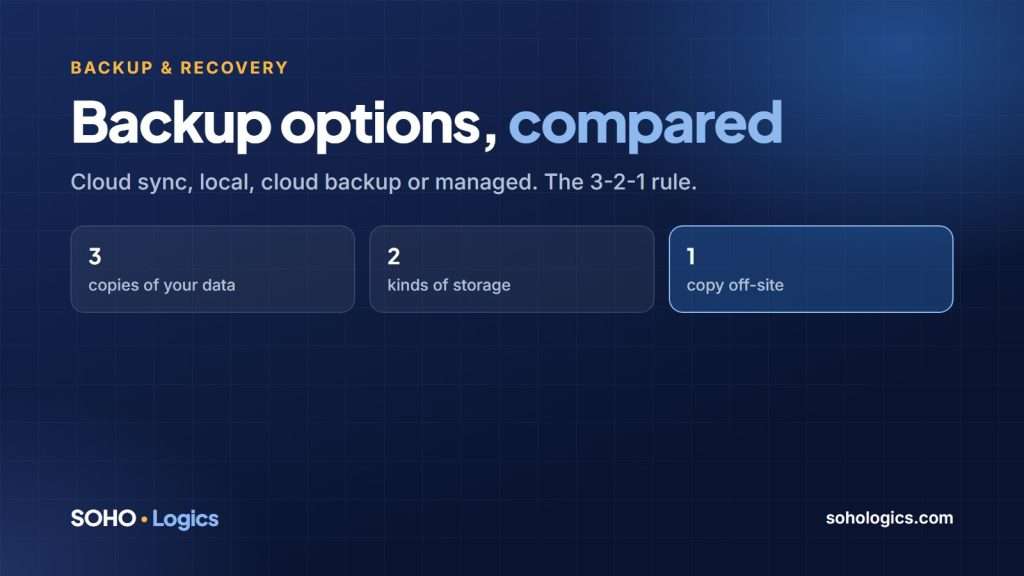
For a small business, a good backup plan comes down to one rule and four options. The rule: keep more than one copy, keep one of them somewhere your office fire, flood or ransomware cannot reach, and test a restore. The options are what you choose from to follow it. This guide compares them in plain English, so you know what to ask for.
The rule: 3-2-1
- 3 copies of your data: the original plus two backups.
- 2 different kinds of storage, such as a local disk and the cloud.
- 1 copy off-site, away from your office and from the accounts that could be hacked.
Add one more step: test a restore. A backup you have never restored is a hope, not a backup. Our backup and disaster recovery strategy article goes deeper on the plan.
Option 1: Cloud sync (OneDrive, Google Drive, Dropbox)
What it is: files stored in the cloud and kept in sync with your computers.
Good for: access from anywhere and sharing files.
The catch: sync is not backup. If a file is deleted, encrypted by ransomware or overwritten, the change syncs everywhere. Version history helps for a limited time, but it is not a full backup plan, and it does not cover everything on your computers.
Option 2: Local backup (an external drive or a network storage box)
What it is: a disk in your office that copies your files or whole computers on a schedule.
Good for: fast restores of big files or whole machines, and no monthly cloud fee.
The catch: it sits in the same building as your computers. Fire, theft, flood and some ransomware reach it too. Use it as one of your copies, not the only one.
Option 3: Cloud backup service
What it is: software that copies your computers, servers or Microsoft 365 or Google data to a secure off-site location, with history.
Good for: the off-site copy, protection from ransomware (when set up so the backup cannot be changed from the infected machine) and restoring a single file or everything.
The catch: a monthly cost, and the first copy can take days over a slow internet connection. Check what is covered, how long history is kept and who is watching it.
Option 4: Managed backup and disaster recovery
What it is: a combination of local and cloud backup that someone monitors and tests for you, with a written plan for getting back up after a disaster.
Good for: businesses that cannot afford several days of downtime and do not want to watch backup reports themselves.
The catch: it costs more than doing it yourself, and you should still ask for proof of a test restore. Our backup and disaster recovery service works this way.
Side by side
| Option | Off-site? | Protects from ransomware? | Someone watches it? |
|---|---|---|---|
| Cloud sync | Yes | Only partly | No |
| Local backup | No | Sometimes | You |
| Cloud backup service | Yes | Yes, if set up correctly | You or a provider |
| Managed backup and recovery | Yes | Yes | Yes |
What to ask before you choose
- What exactly is backed up? Servers, laptops, Microsoft 365 or Google email and files?
- Where is the off-site copy, and could ransomware on my network delete it?
- How long does a full restore take, and have you done one recently?
- Who is alerted if a backup fails?
- How long is history kept?
Do not forget Microsoft 365 and Google Workspace
A common surprise: your email, files and calendars in Microsoft 365 or Google Workspace are not fully backed up just because they are in the cloud. The provider keeps the service running; protecting your data from deletion, mistakes and attacks is your job. We cover this in Microsoft 365 and Google Workspace backup.
Frequently asked questions
Is OneDrive a backup?
No. It syncs files, which means deletions and ransomware changes sync too. Version history helps but is limited.
How often should a small business back up?
Daily at minimum for most businesses. If losing a day of work would hurt, back up more often.
How do I know my backups work?
Restore a file, and once a quarter a whole machine or folder, and confirm it opens correctly.
What is the difference between backup and disaster recovery?
Backup is the copy of your data. Disaster recovery is the plan and tools for getting your business running again, including who does what and how long it takes.
Do I need a local backup if I have a cloud backup?
It helps. Local restores are much faster for large amounts of data, and the cloud copy is your safety net.
Not sure which backup setup fits your business? Book a free discovery call. I will tell you plainly what you need and what you can skip.
Book a free assessment or call (469) 212-0545.

Leave a Reply