
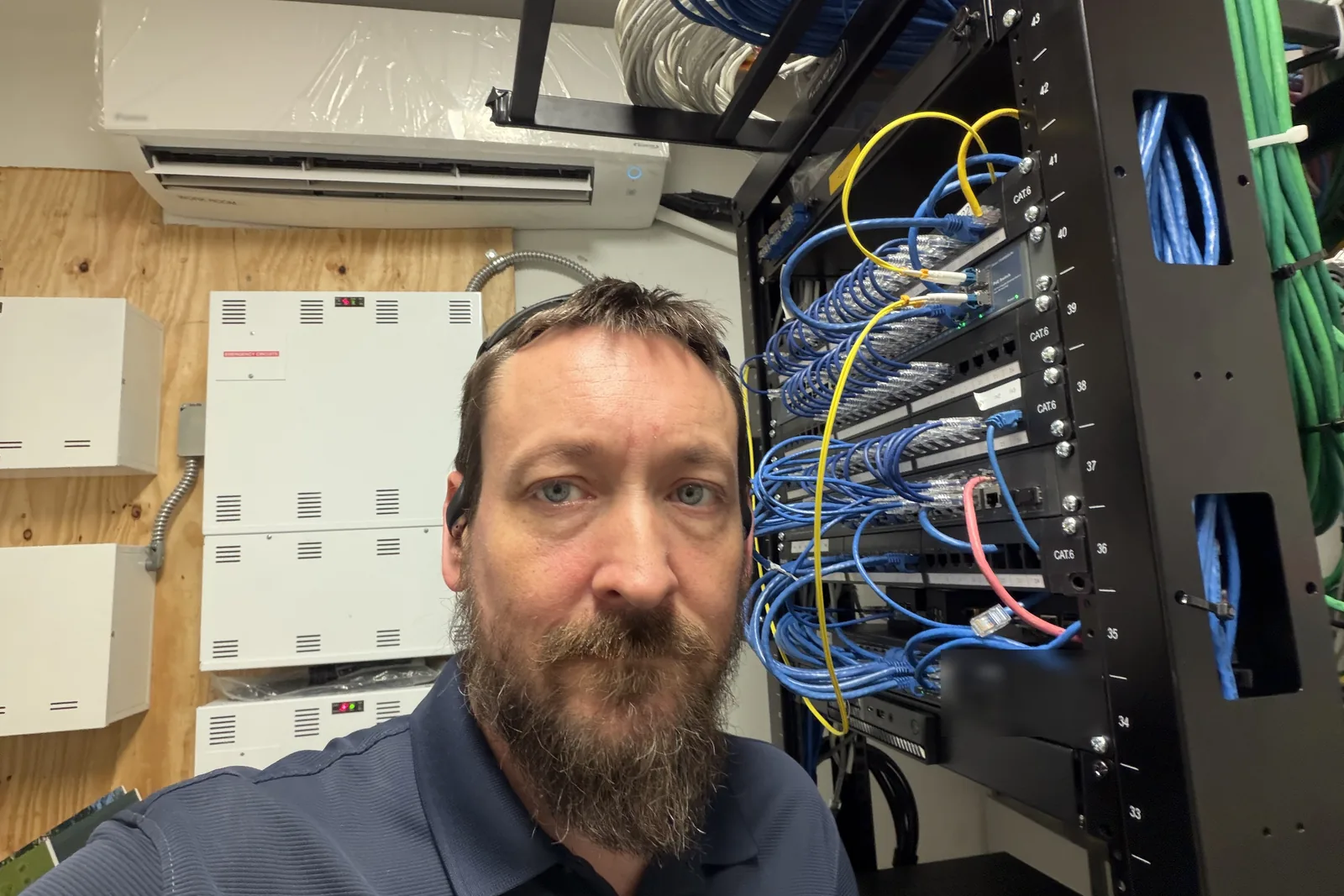
Emergency IT support when your business can’t wait
When the server is down, the network is dead or an employee clicked the wrong link, every hour costs you money. SOHO Logics provides emergency IT support to businesses in Sachse, Garland, Wylie, Murphy, Richardson, Dallas and the surrounding northern suburbs.
Call (469) 212-0545. You’ll reach the founder, Jason Osborne, not a call center. We don’t promise a response time we can’t keep, but if we have the bandwidth and you need help, we will move heaven and earth to get you working again. Many emergencies can be started remotely right away, and we come on-site when the problem needs hands.
What counts as an IT emergency
Call us right away if:
- Your server is down or a business-critical application won’t open.
- The network or internet is out and your team can’t work. Our urgent network repair for business covers routers, firewalls, switches, Wi-Fi and the ISP hand-off.
- You suspect ransomware or a breach: files renamed or locked, a ransom note on screen, strange logins, or an employee who entered a password on a fake page.
- Email has stopped, a mailbox is compromised or Microsoft 365 sign-ins are failing for the whole company.
- A backup failed or a drive is dying, and you can’t afford to lose what’s on it.
- Your team is locked out of accounts, shared files or line-of-business software.
- Something broke at the worst time: the night before a deadline, a payroll run, a tax filing, an audit, a big event or a weekend shift.
Not sure if it’s an emergency? Call anyway. If it can wait until morning, we’ll tell you.
Emergency server and IT recovery
Our emergency server and IT recovery services follow a simple order, so we fix the right thing first:
- Stop the damage. If it looks like an attack, we help you isolate affected computers and shut off access before it spreads.
- Find the cause. We diagnose what failed and why, so the fix doesn’t last only until tomorrow.
- Restore service. We get people working again, using your backups where needed. This is where a good backup earns its keep, and we’ll tell you honestly if yours isn’t good enough.
- Check what was exposed. If data may have been touched, we help you understand what happened and what to do next, including who you may need to notify. We work alongside your attorney, insurer or compliance consultant when one is involved.
- Prevent a repeat. You get a plain-English summary of what we found and what to change.
What to do in the first 10 minutes
While you’re calling us:
- Don’t turn off or wipe anything unless we tell you to. Disconnect the affected computer from the network (unplug the cable or turn off Wi-Fi) if you suspect ransomware.
- Don’t pay or reply to an attacker before talking to someone you trust.
- Don’t reuse passwords you think were exposed. We’ll help you change them in the right order.
- Write down what happened and when: the last thing that worked, what changed and any messages on screen. Photos of error messages help.
- Find your cyber insurance details if you have a policy. Many require prompt notice.
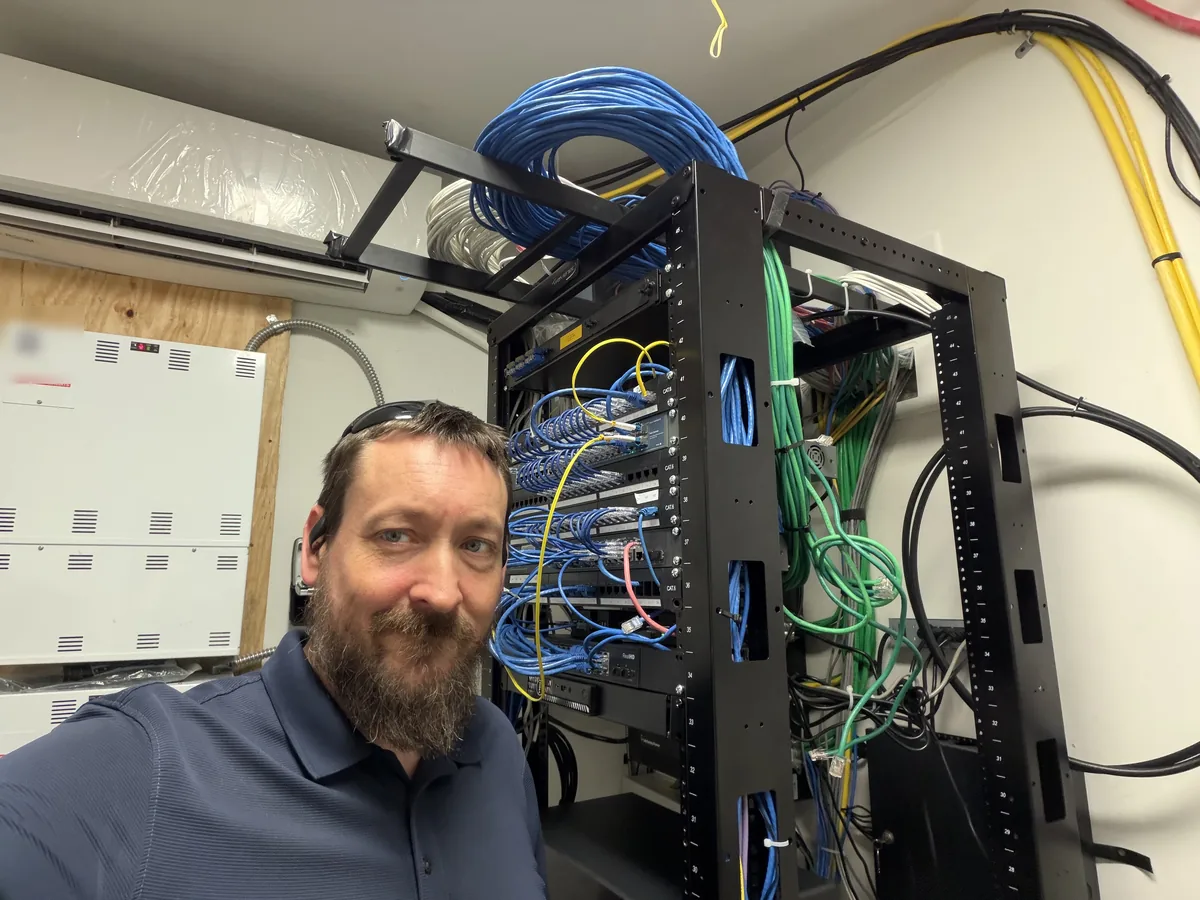
After-hours and weekend IT support
Emergencies don’t keep business hours, so after-hours IT support is available evenings, weekends and holidays. Our after-hours rates are published in the rate cards at the bottom of this page, so you know the cost before you call. Managed plan clients receive preferred rates. Holidays are quoted up front, and during business hours our standard hourly rates apply.
Emergency support or a managed plan?
Emergency calls are the most expensive way to get IT help, and the stress is hard to put a price on. A managed IT plan watches for the problems that become emergencies, keeps updates and backups on schedule and gives you preferred rates when something still breaks. If you’ve had more than one emergency this year, ask us about it. If you just need an occasional hand, on-demand IT support works well with no contract.
Where we provide emergency support
Remote emergency support is available wherever you are. On-site emergency support covers Sachse, Garland, Wylie, Murphy, Rowlett, Richardson, Dallas, Plano, Frisco, McKinney, Carrollton and the surrounding North Dallas communities.
Frequently asked questions
How fast can you respond to an IT emergency?
We don’t promise a specific response time. Call (469) 212-0545 and we’ll give you a realistic time frame based on that day’s schedule. If we have the bandwidth, we’ll make your emergency the priority, and most problems can be started remotely right away.
Do you offer after-hours and weekend IT support?
Yes. Evenings, weekends and holidays are available at the published after-hours rates on this page. Call and describe the problem; if it can safely wait until morning, we’ll tell you.
How much does emergency IT support cost?
After-hours and weekend remote support is $265 per hour with a one-hour minimum, and on-site is $300 per hour with a two-hour minimum. Managed plan clients pay $225 and $265. Holidays are quoted up front, and you’ll know the rate before we begin.
What should I do first if I think we have ransomware?
Disconnect the affected computers from the network, don’t turn off or wipe anything, don’t pay or reply to the attacker, and call us. Write down what you saw and when, and find your cyber insurance information if you have it.
Do I need to be a client to get emergency support?
No. We help new businesses in an emergency. You’ll pay the standard after-hours rates, and we’ll tell you honestly whether a plan would have prevented the problem.
Can you fix a server that is down?
In most cases we can diagnose it remotely, and we come on-site when hands-on work is needed. If hardware has failed or data is damaged, we’ll explain your options and what a restore from backup would involve before we start.
Do you support home-based businesses?
Yes. SOHO stands for small office/home office, and we’ve supported both since 2000. We support businesses, not personal home computers.
