
Most business email problems don’t announce themselves. A DNS record gets edited. A domain renewal goes to an old email address. A website certificate quietly expires. You find out when a customer says, “I didn’t get your invoice,” or when your website shows a security warning.
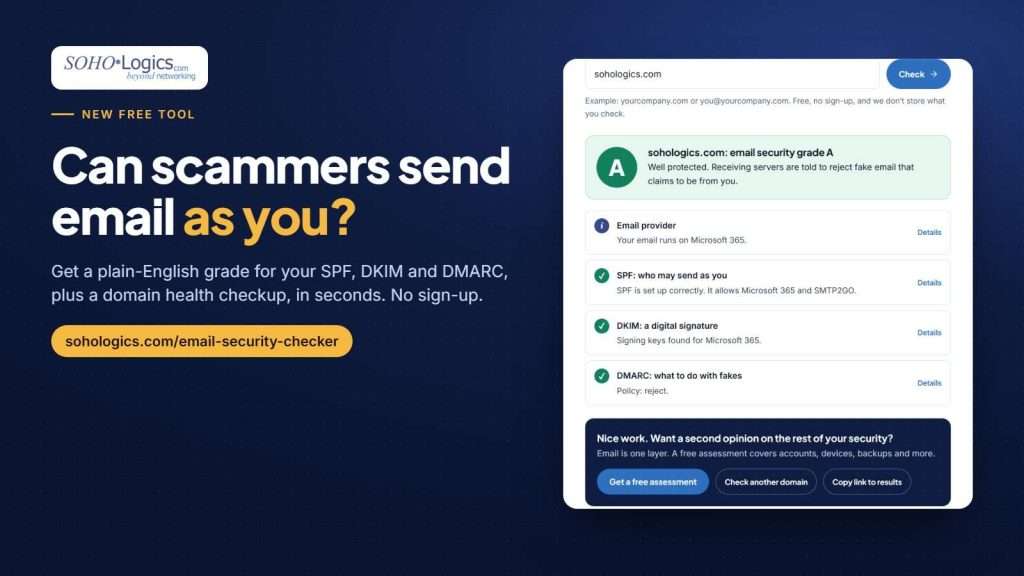
Our free Email Security Checker already tells you where your domain stands today. Now it can also keep watching, so you hear about a problem the day it appears instead of the day it hurts.
Check your domain, then choose “Watch this domain” under your results.
What the Domain & Email Health Monitor does
Once you turn it on for your domain, we run the same checks every day. You only get an email when something changes, so there’s no daily noise. We alert you when:
- Your email grade drops, for example from an A to a C.
- SPF, DKIM or DMARC breaks. These are the records that stop other people from sending fake email as you. Learn more in Can Scammers Send Email as Your Business?
- Your domain is about to expire. You get warnings at 30, 14 and 7 days.
- Your website certificate is about to expire. An expired certificate puts a “not secure” warning in front of every visitor.
- The transfer lock comes off. The lock is what stops a domain from being moved away without your approval.
- Your name servers or mail servers change. Sometimes that’s a planned move. Sometimes it’s a sign someone has taken control of your domain. Either way, you should know the day it happens.
Every alert links back to the checker with your domain filled in, and has a one-click link to stop watching.
A monthly all-clear
Once a month you also get a short “all clear” email that says what we checked and that nothing needs attention, with a few short links to our latest articles at the bottom. If you’d rather skip the monthly note, the stop link in any email turns the monitor off.
How to turn it on
- Run the Email Security Checker on your domain.
- Click Watch this domain under your results, or tick the box when you ask us to email you the report.
- Enter an email address at that domain (like you@yourcompany.com). We confirm it with a link, so only someone who actually controls the domain can start monitoring it.
A few rules keep it simple and private: one domain per company, and the checker only reads public records. We never log in to anything or change anything.
Why it matters for a small business
Small businesses lose email, websites and sometimes entire domains to things that were easy to prevent: a renewal that went to a former employee’s inbox, a hosting change that overwrote a DNS record, a “free” certificate that stopped renewing. Larger companies have someone whose job is watching for exactly this. For a small business, the monitor is that someone, for free.
It’s also useful if you manage IT for yourself. A 10-second check today tells you where you stand. A daily check tells you when that changes.
What the monitor doesn’t do
It watches public information about your domain. It doesn’t see inside your Microsoft 365 or Google Workspace account, your firewall or your computers, and it doesn’t fix anything. If an alert shows something broken and you’d like it fixed, that’s what our cybersecurity services and managed IT services are for. If you’d rather handle the fix yourself, each alert says what to look at.
Start with the free checker. Add monitoring in one more click.

Leave a Reply